Customize
You can personalize the responses of Colleague AI to your classroom needs. Select relevant grades and subjects to tailor Claire's conversations to you.
Overview
To customize Colleague AI to better fit your classroom needs, navigate to your account settings using the left side navigation and selecting "Account Settings".
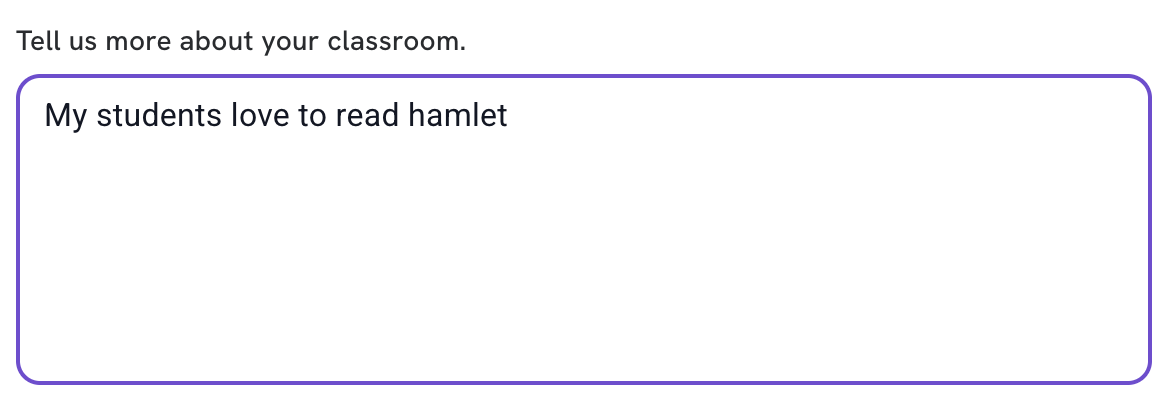
In the "Customize Colleague AI" tab, you will find options to specify the grades and subjects you teach, as well as a text box to provide additional context about your classroom.
You will also find the "My Memories" section here to manage Claire's memory feature. Memories help Claire remember important details about your teaching preferences and classroom context. For more information on managing memories, please refer to the Memories documentation.
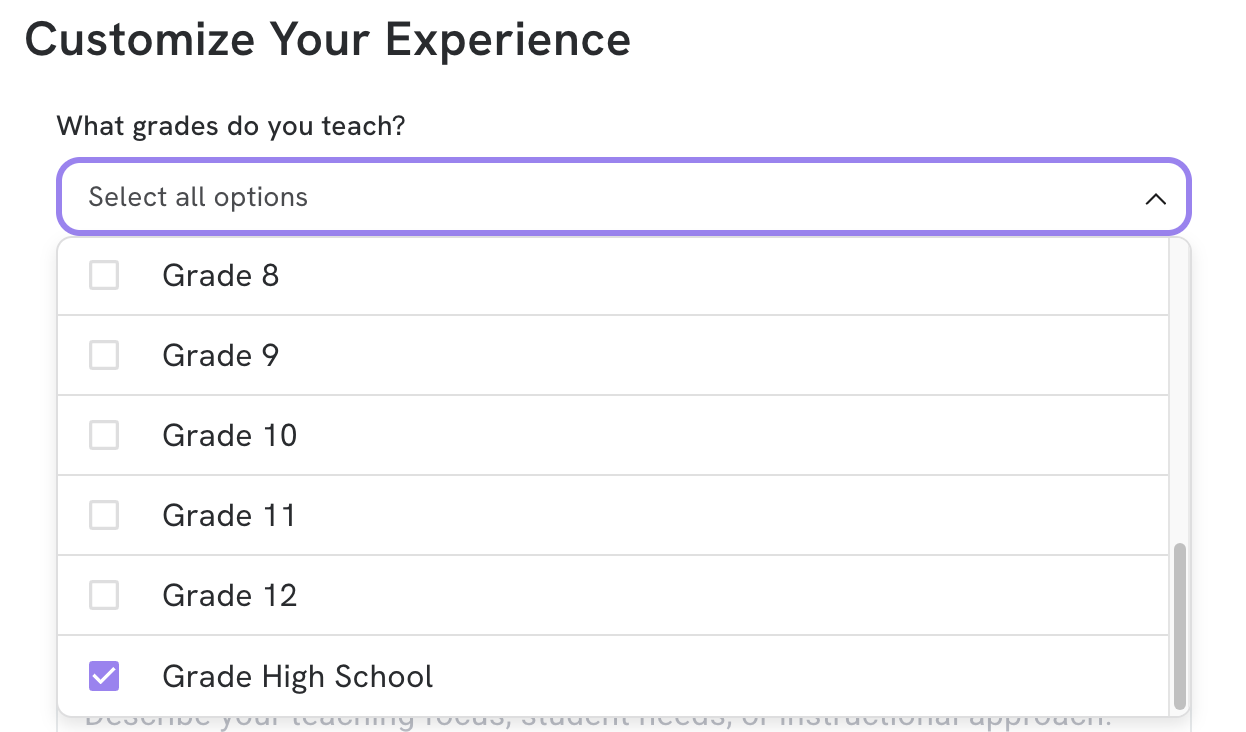
Grades
You can select relevant grades in the drop down menu:
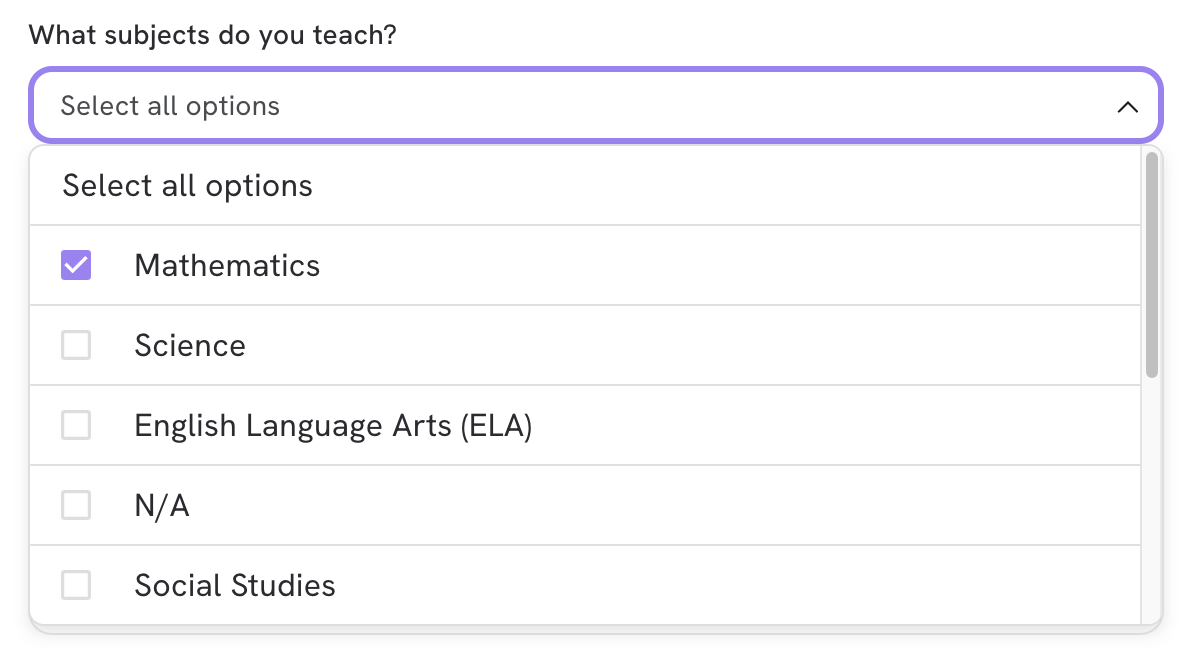
Subjects
You can select relevant subjects in the drop down menu:
More About Your Classroom
You can give us additional instructions about your classroom: